
Free Motion Graphics Software : Professional Results, Zero Cost
FlashFX is free motion graphics software that runs entirely in your browser. No download, no watermark, no feature-locked trial. Create YouTube intros, social media animations, and presentation graphics at full quality: completely free.
0
Cost to start
0px
Watermark
<2s
Load time
What Makes Software Truly Free?
“Free” is one of the most abused words in software marketing. Most tools described as free motion graphics software are free in name only. They restrict output quality, add persistent watermarks, or lock essential features behind a subscription. Here is what genuine free access looks like.
FlashFX Free Tier: What You Actually Get
Common “Free” Tricks to Watch Out For
Watermark burned into every export
CapCut desktop free tier
Resolution capped at 720p for free users
Canva free video export
Core effects hidden behind a paywall
Most "free" editors
"Free trial" that expires after 7 days
Adobe Premiere Pro
Feature advertised as free, requires upgrade at export
Canva Pro elements
FlashFX was built from the ground up to be genuinely free for individual creators. The paid tier adds advanced templates, additional export formats, and priority rendering, but the core workflow, including full-quality export, is and will remain free.
FlashFX Free Tier: Full Feature Breakdown
Every feature below is available at no cost. No trial timer, no export limit, no upgrade prompt blocking your workflow.
Full Timeline Editor
Multi-layer timeline with keyframe support, motion paths, and easing controls. Identical to the paid tier, no features removed.
Built-in Motion Presets
Access a curated library of animation presets for text, shapes, and transitions. Apply, adjust timing, and export, no subscription required.
1080p MP4 Export
Export at full 1080p resolution with no watermark. Your exported file is clean and ready to upload to YouTube, Instagram, or any platform.
Fast Browser Rendering
FlashFX renders in the browser using optimized WebGL. A 30-second project typically renders in under 30 seconds on any modern device.
Project Sharing
Share projects via link for feedback or collaboration. Free users can share projects publicly with anyone who has the link.
WebM & GIF Export
Export as WebM for web embedding or animated GIF for social posts and email campaigns, both available on the free tier.
What does the paid tier add?
Advanced templates, MOV and AVI export, priority rendering queue, and team collaboration features. The free tier covers everything a solo creator needs.
Free Tier Comparison: FlashFX vs CapCut vs DaVinci vs Canva
All four tools offer a free tier. But “free” means something different in each. This table compares what you actually get without paying.
| Feature | FlashFX | CapCut | DaVinci Resolve | Canva |
|---|---|---|---|---|
| Price (free tier) All four offer free tiers | Free | Free | Free | Free |
| Watermark on export | None | CapCut watermark (removable with account) | None | Canva watermark on premium elements |
| Export resolution (free) | 1080p | 1080p | 1080p | 1080p (but limited formats) |
| Motion graphics / keyframes | Full keyframe timeline | Basic keyframes | Advanced (Fusion compositor) | Limited preset animations only |
| Installation required | None: browser-based | Mobile app or desktop install | Multi-gigabyte desktop install | None: browser-based |
| Learning curve CapCut and Canva are easier for beginners with no motion graphics need | Low: export in minutes | Low: social media focused | High: node-based compositor | Very low: template-drag-drop |
| Works on Chromebook | Yes | Mobile only (web limited) | No | Yes |
| RAM requirement | ~200 MB at idle | ~300 MB | ~800 MB | ~250 MB |
| Custom animation timing FlashFX and DaVinci both offer full easing | Full easing controls | Preset-only | Full easing controls | None |
| Built for motion graphics | Yes: primary focus | No: video editing first | Partially: Fusion module | No: design/presentation first |
| MP4 export without sign-in | Yes | No: account required | Yes | No: account required |
| Social media templates CapCut and Canva lead on template quantity | Growing library | Extensive library | Very limited | Extensive library |
Output Quality: What Free Actually Looks Like
The screenshots below show the FlashFX interface and export settings as they appear for free-tier users. No features have been hidden or blurred for demonstration purposes.
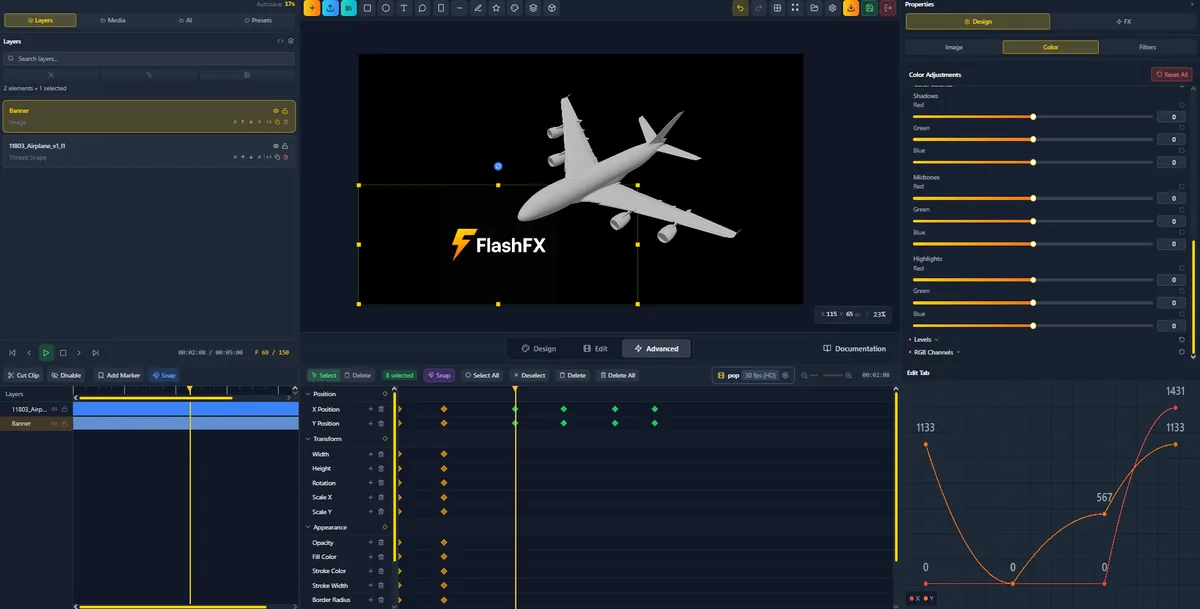
Timeline editor with keyframe controls: available free
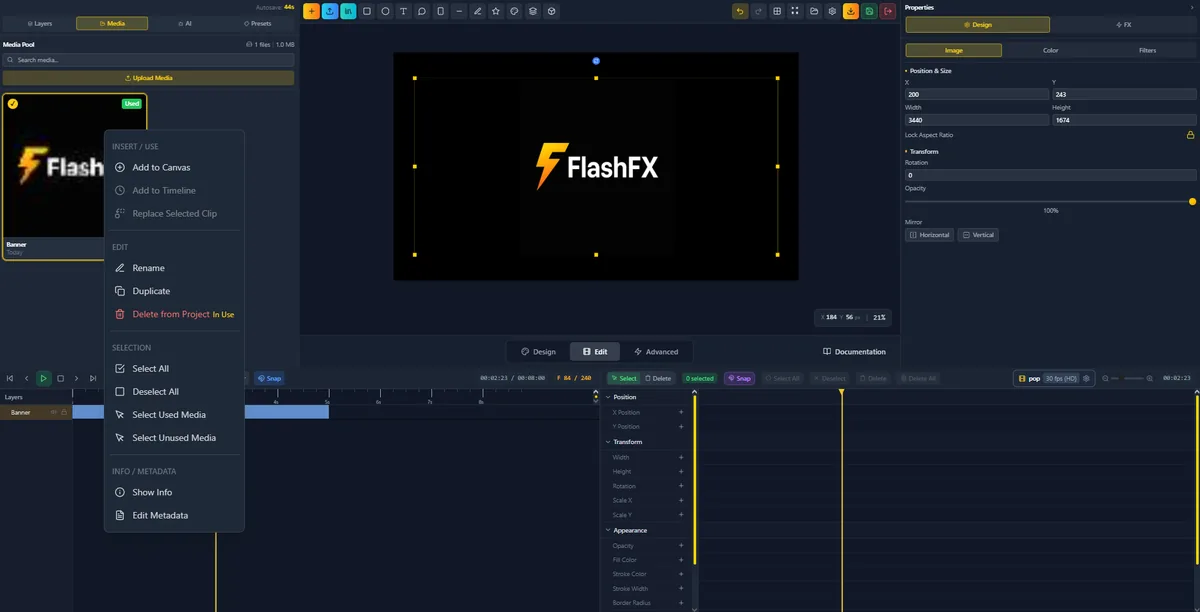
Motion preset library: included in the free tier
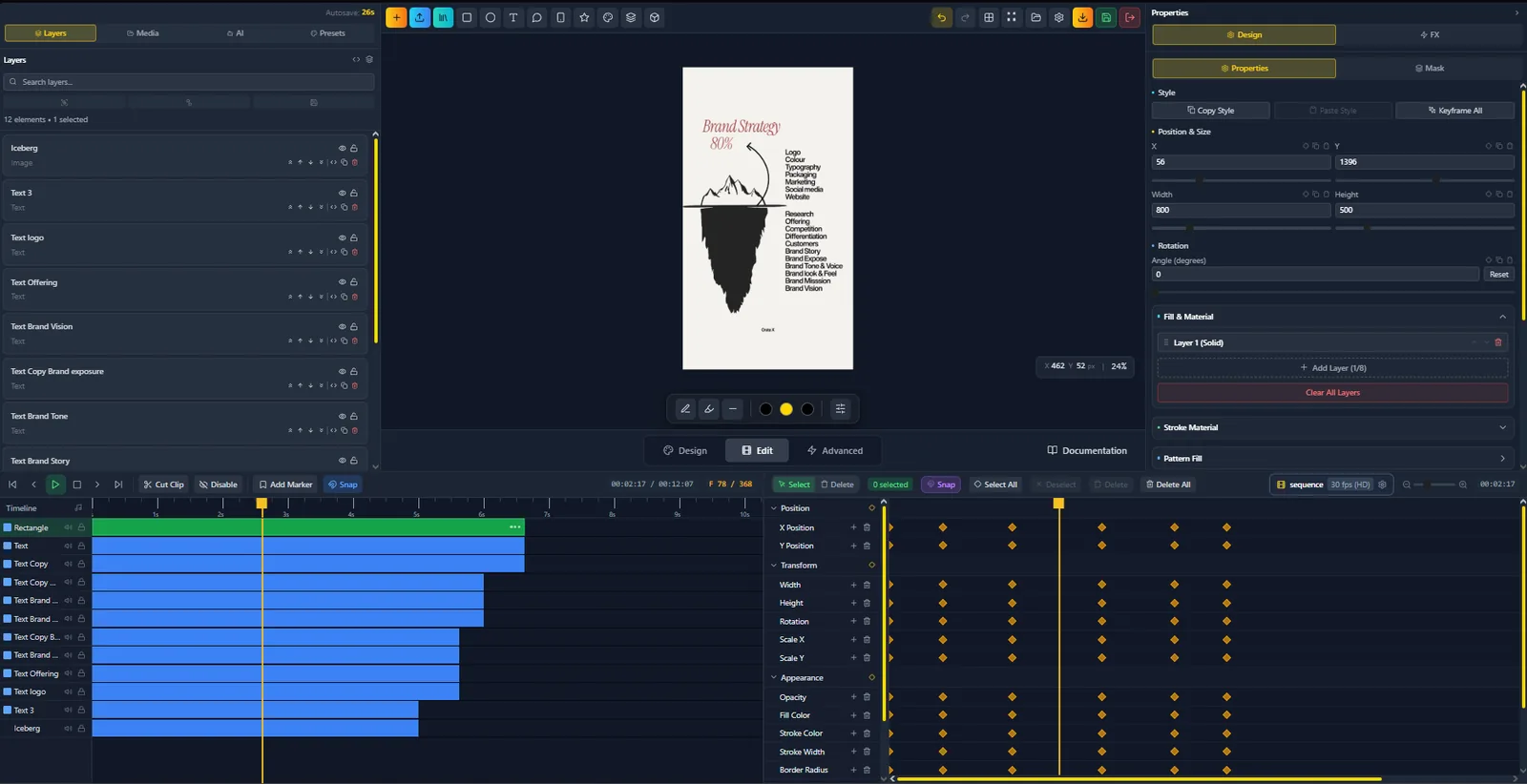
Export panel: 1080p MP4, no watermark, no paywall
Free Tier Export Specifications
Max resolution (free)
1920 × 1080
Frame rate
Up to 60fps
Export formats
MP4, WebM, GIF
Watermark
None
File size limit
None
Exports per month
Unlimited
Use Cases: What You Can Build for Free
Free motion graphics software is only valuable if it handles the work you actually need to do. Here is how FlashFX performs across the most common creator use cases.
YouTube Intros & Outros
Create branded channel intros, animated name plates, subscribe CTAs, and end screens. FlashFX includes pre-built YouTube-specific templates that you can customize to match your channel branding in minutes.
- Animated logo reveals
- Lower thirds with custom typography
- Subscribe button animations
- End screen countdown timers
Social Media Reels & Stories
Export 9:16 vertical animations for Instagram Reels, TikTok, and YouTube Shorts. Motion text overlays, kinetic typography, and transition animations export as clean MP4 files ready for direct upload.
- Vertical (9:16) project templates
- Kinetic text animations
- Transition wipes and zooms
- Looping background animations
Presentation Animations
Add motion to pitch decks and explainer videos without PowerPoint limitations. Export animated sequences as MP4 for embedding in Keynote, Google Slides, or Notion, or present directly via the browser.
- Animated chart reveals
- Text entrance animations
- Icon motion sequences
- Section transition animations
Explainer Videos
Build short-form explainer animations for product demos, onboarding sequences, and tutorial intros. The timeline editor gives frame-accurate control over timing without the complexity of After Effects.
- Character and icon animations
- Screen recording overlays
- Callout and pointer animations
- Text-driven narrative sequences
Start Creating Free Motion Graphics Today
No download, no subscription, no watermark. Open FlashFX in your browser and export your first animation in minutes.