What is FlashFX?
FlashFX is a browser based motion graphics tool for social media animations
See what it looks like
Drag to explore real projects created with FlashFX
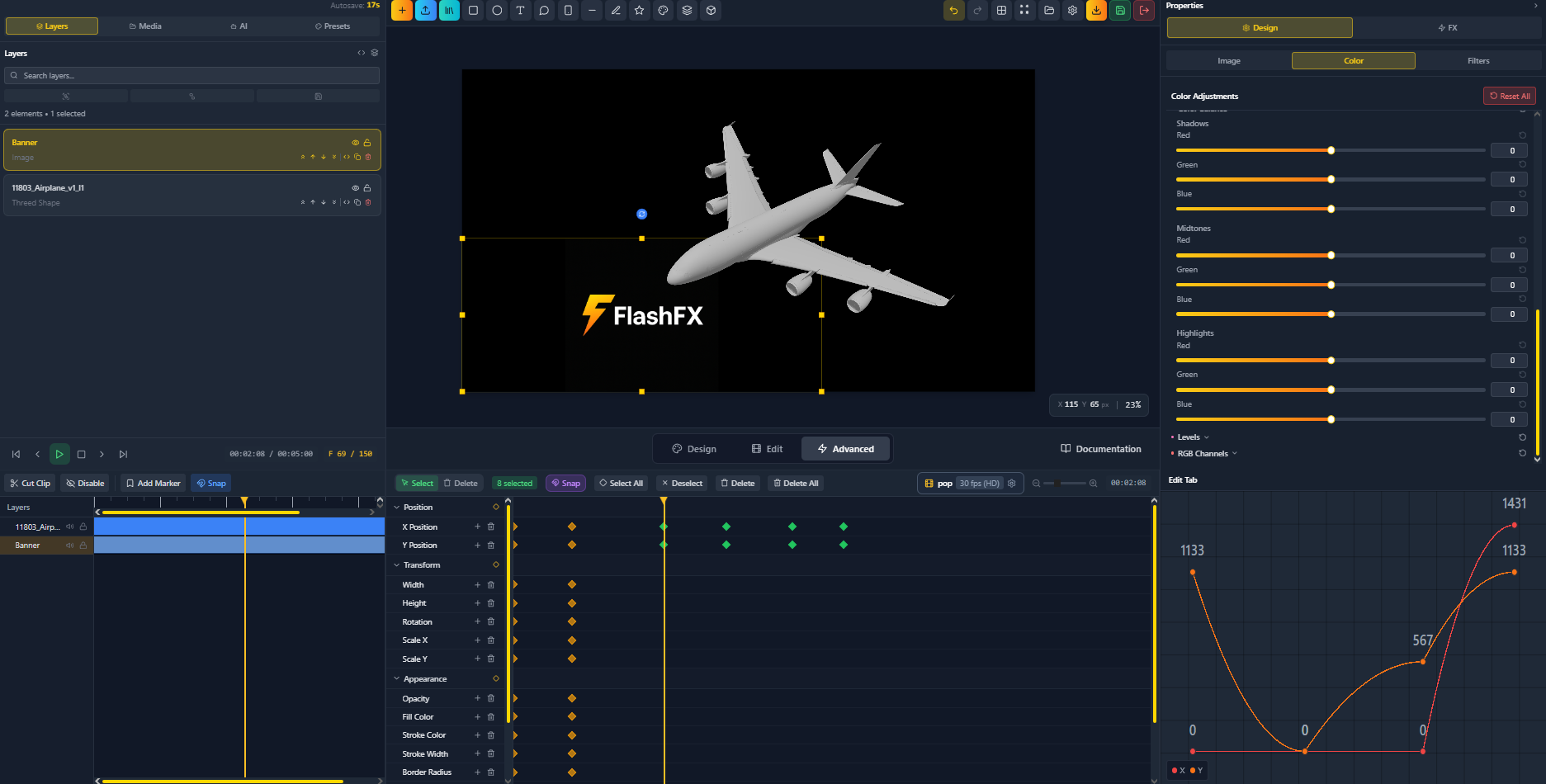
FlashFX 3D Airplane Animation
FlashFX Brand Strategy Design
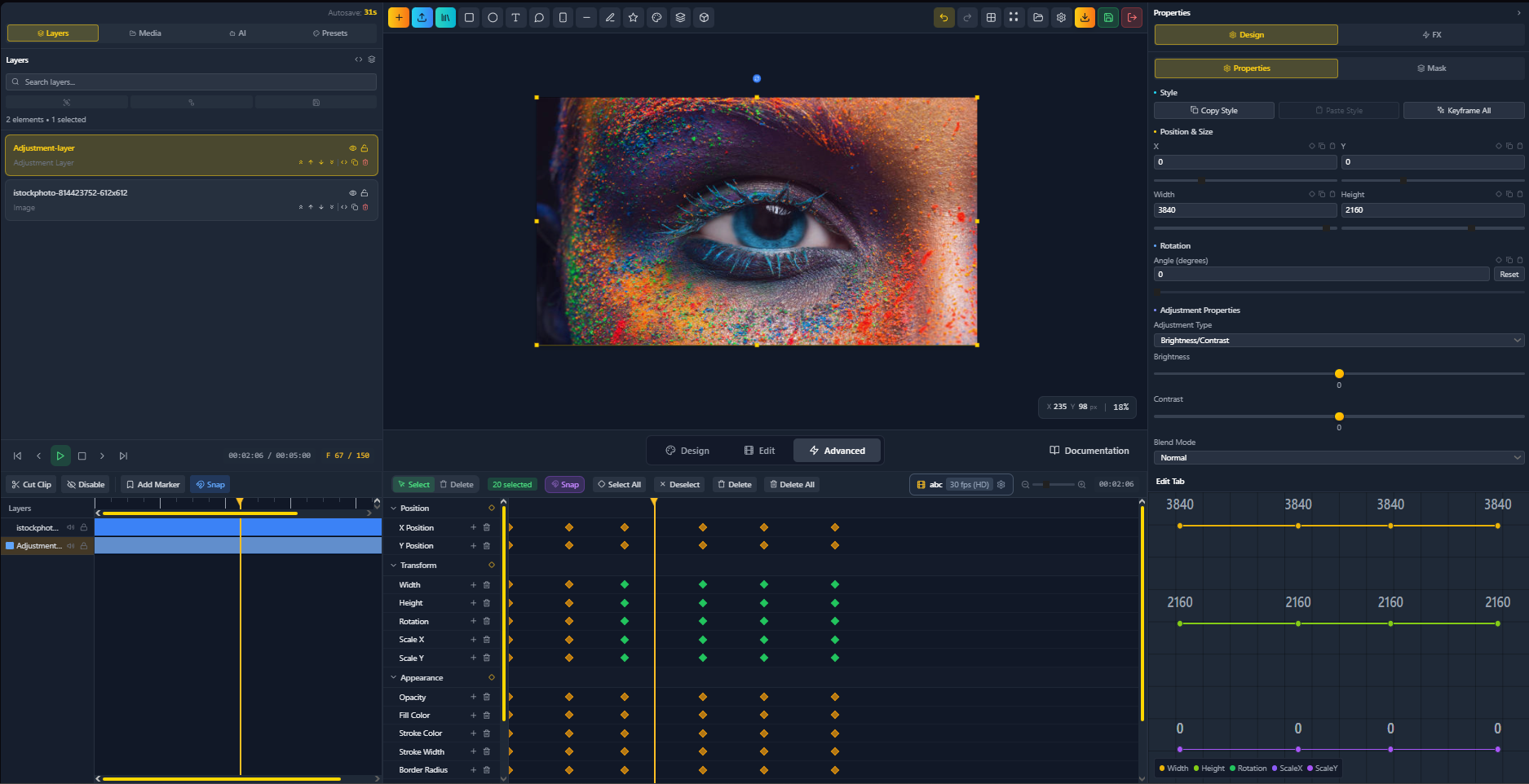
FlashFX Eye Effect with Color Adjustments
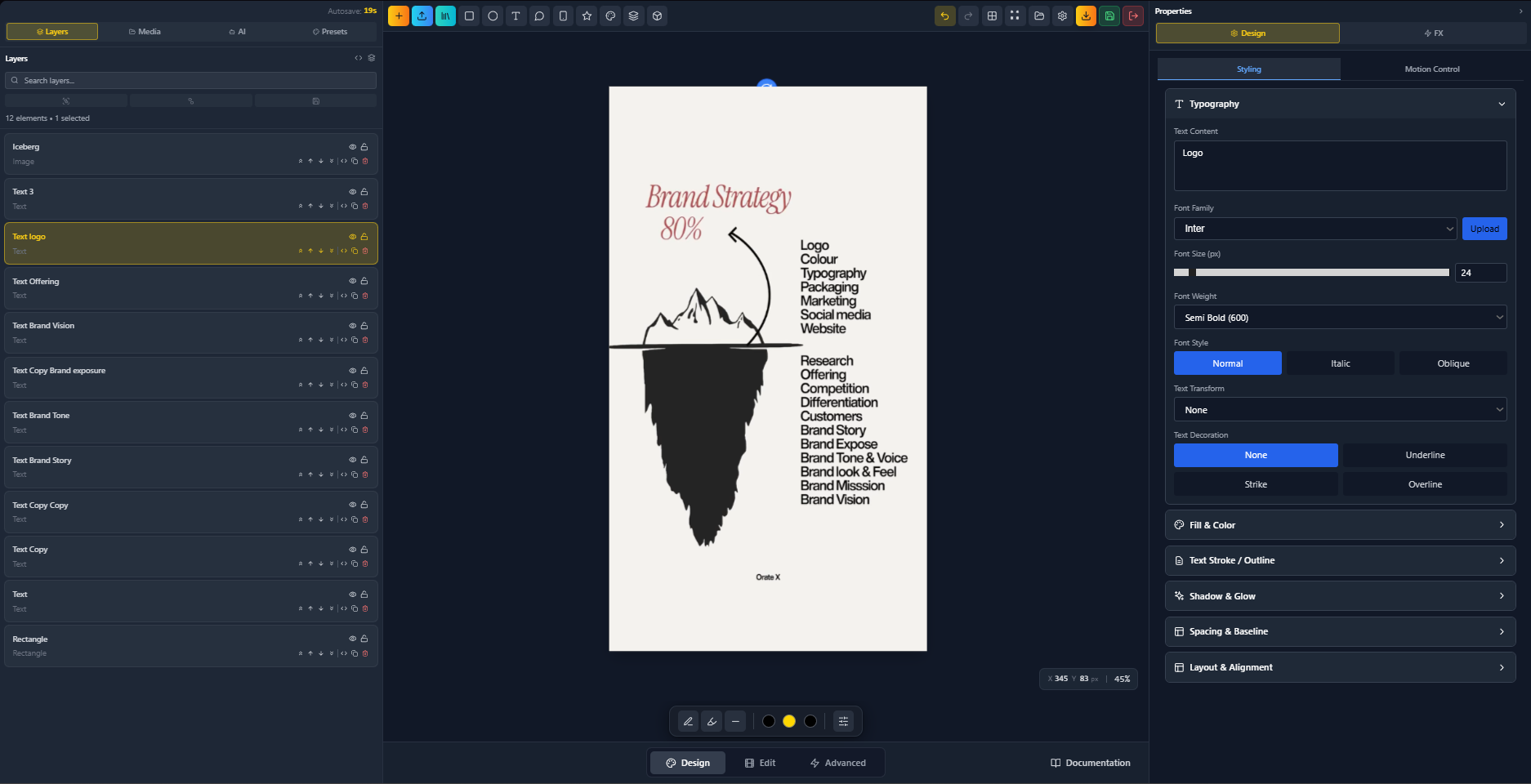
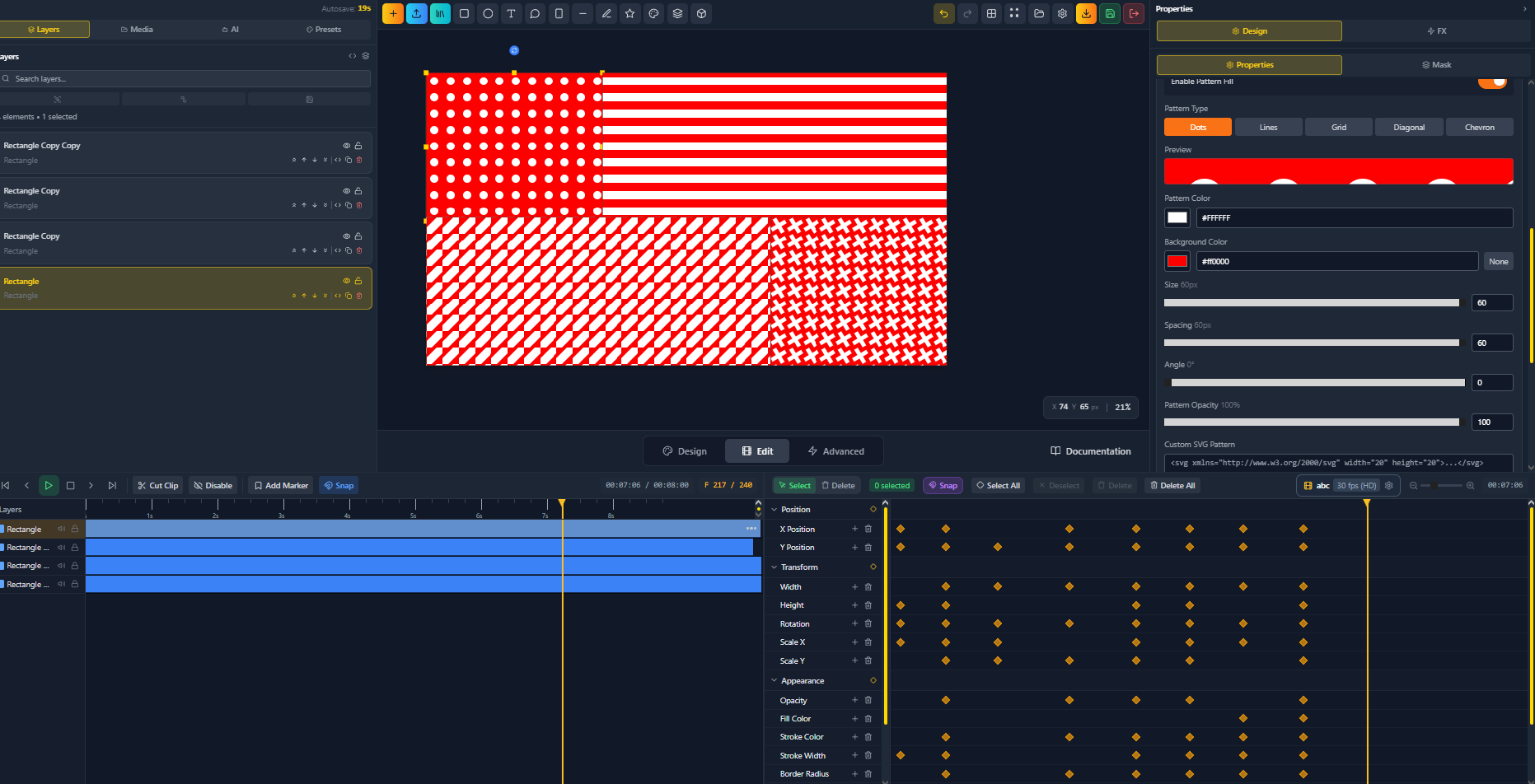
FlashFX Pattern Design
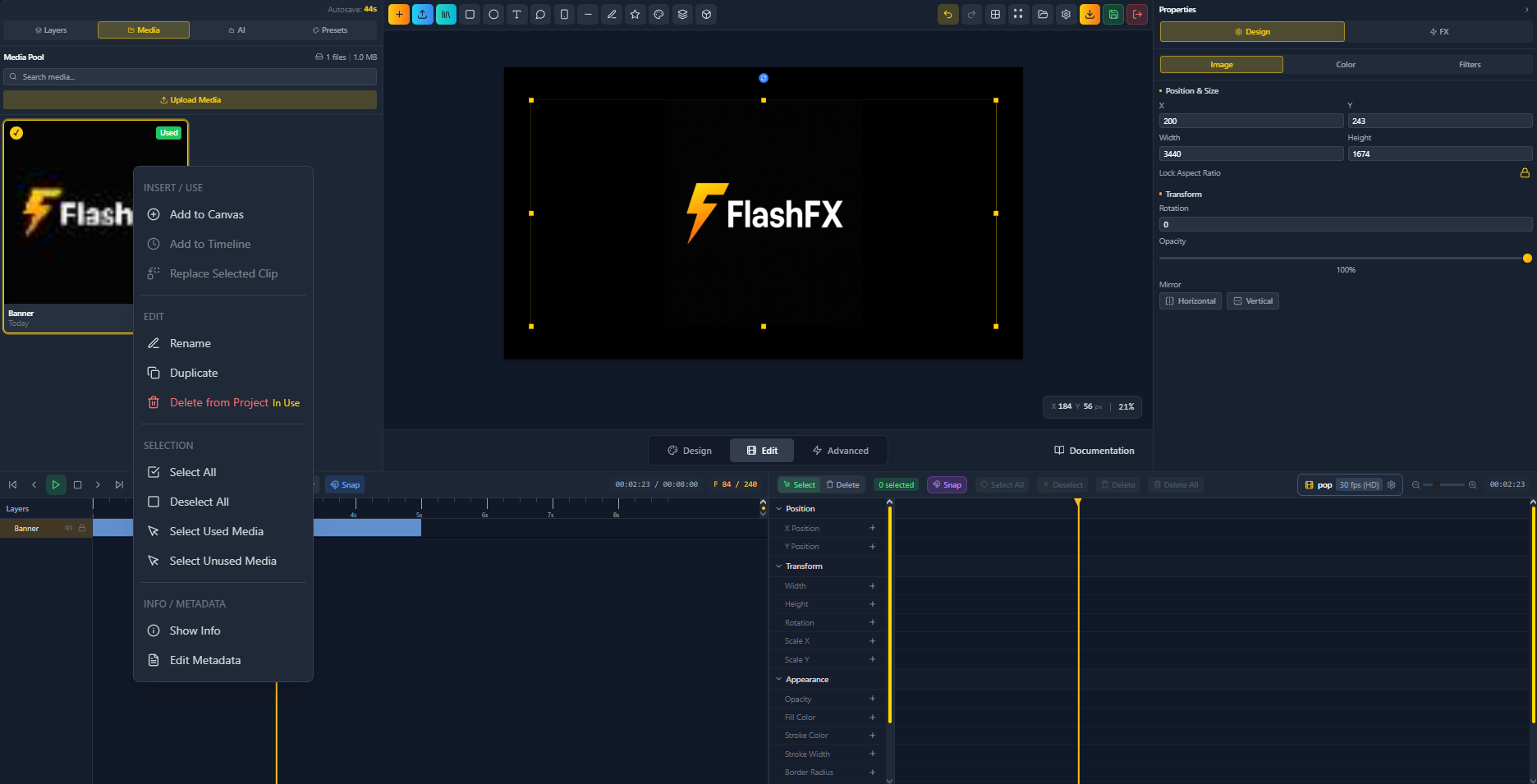
FlashFX Logo Animation
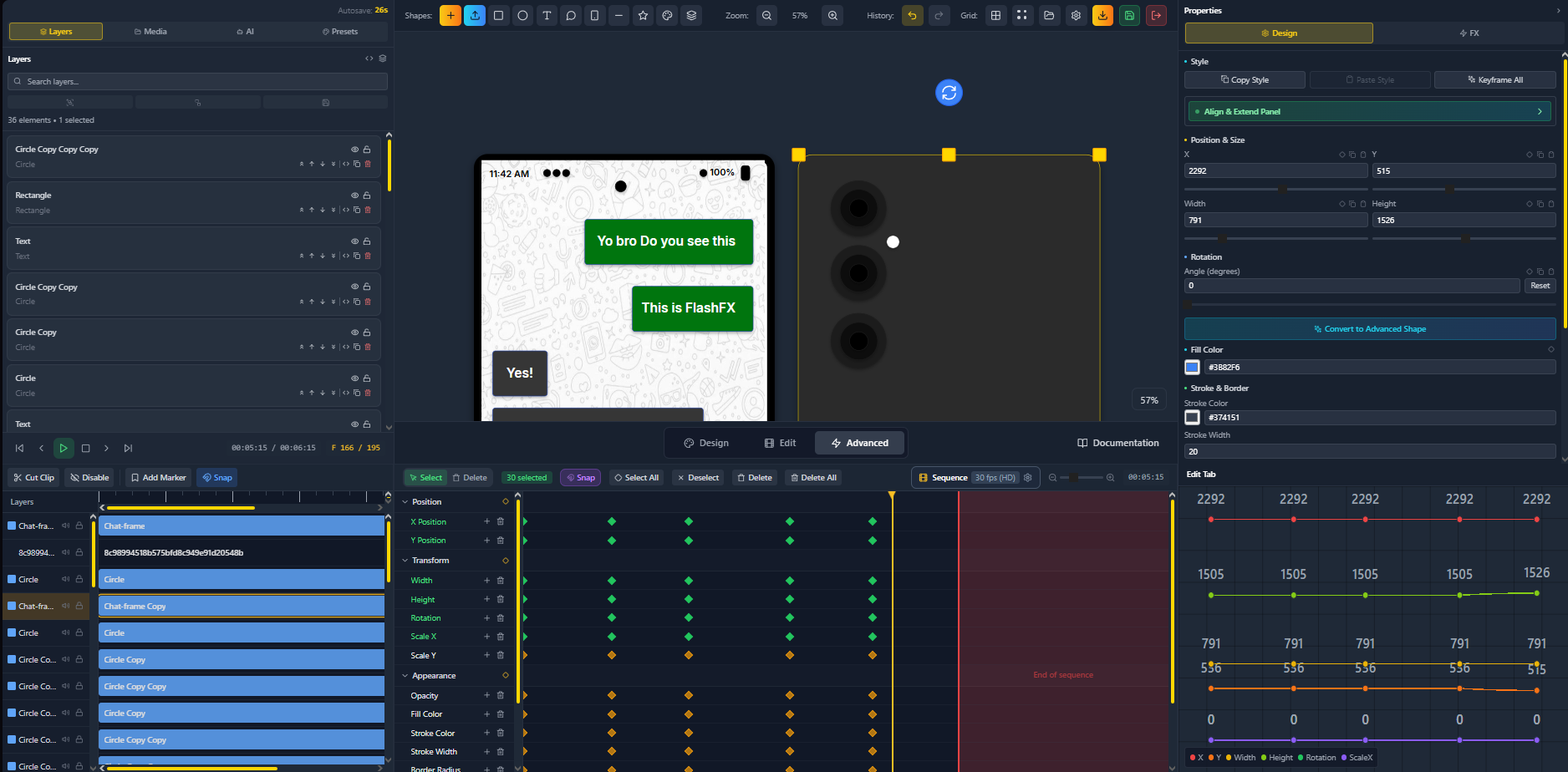
FlashFX Project Timeline
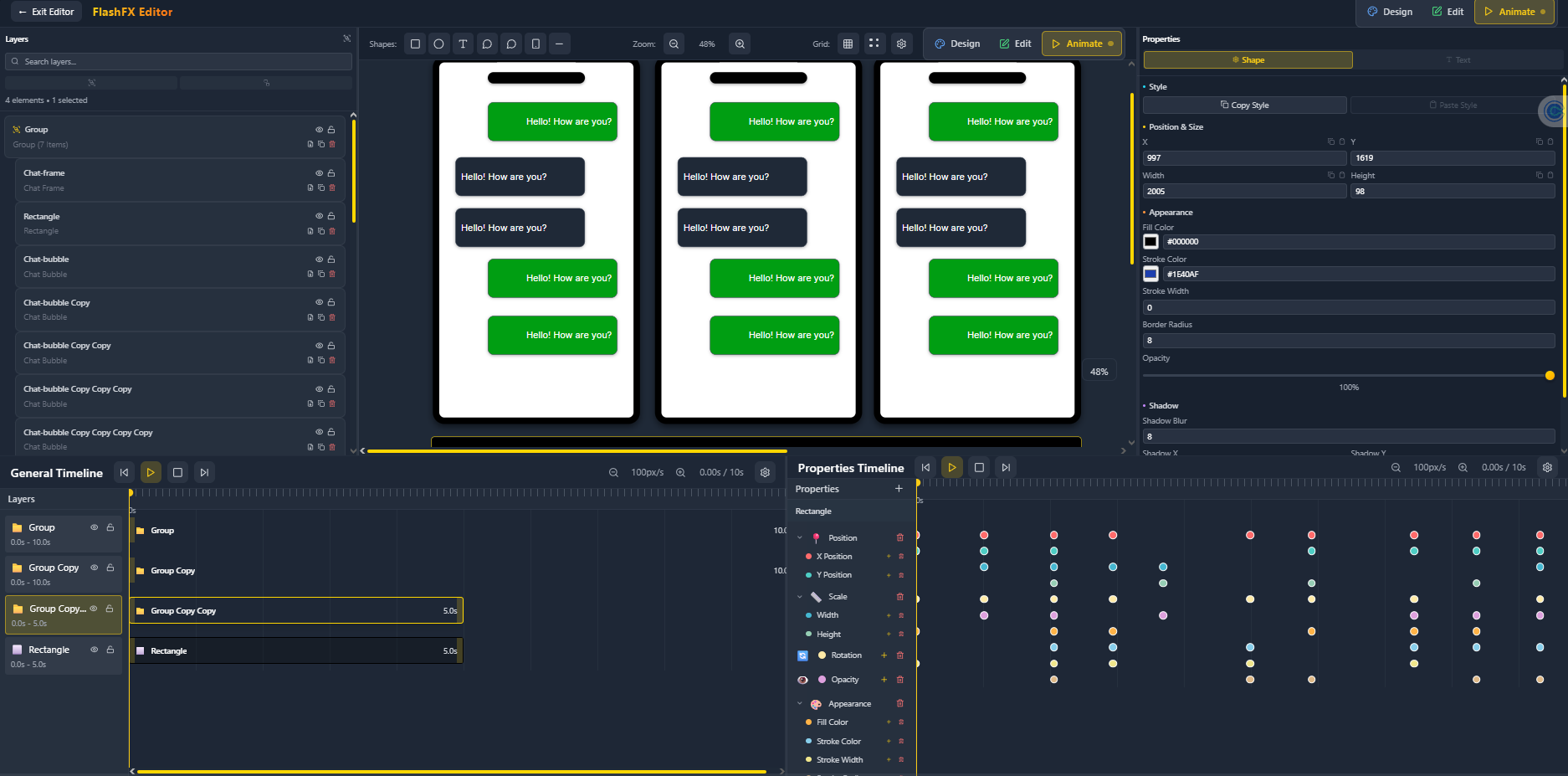
Back on Track Design
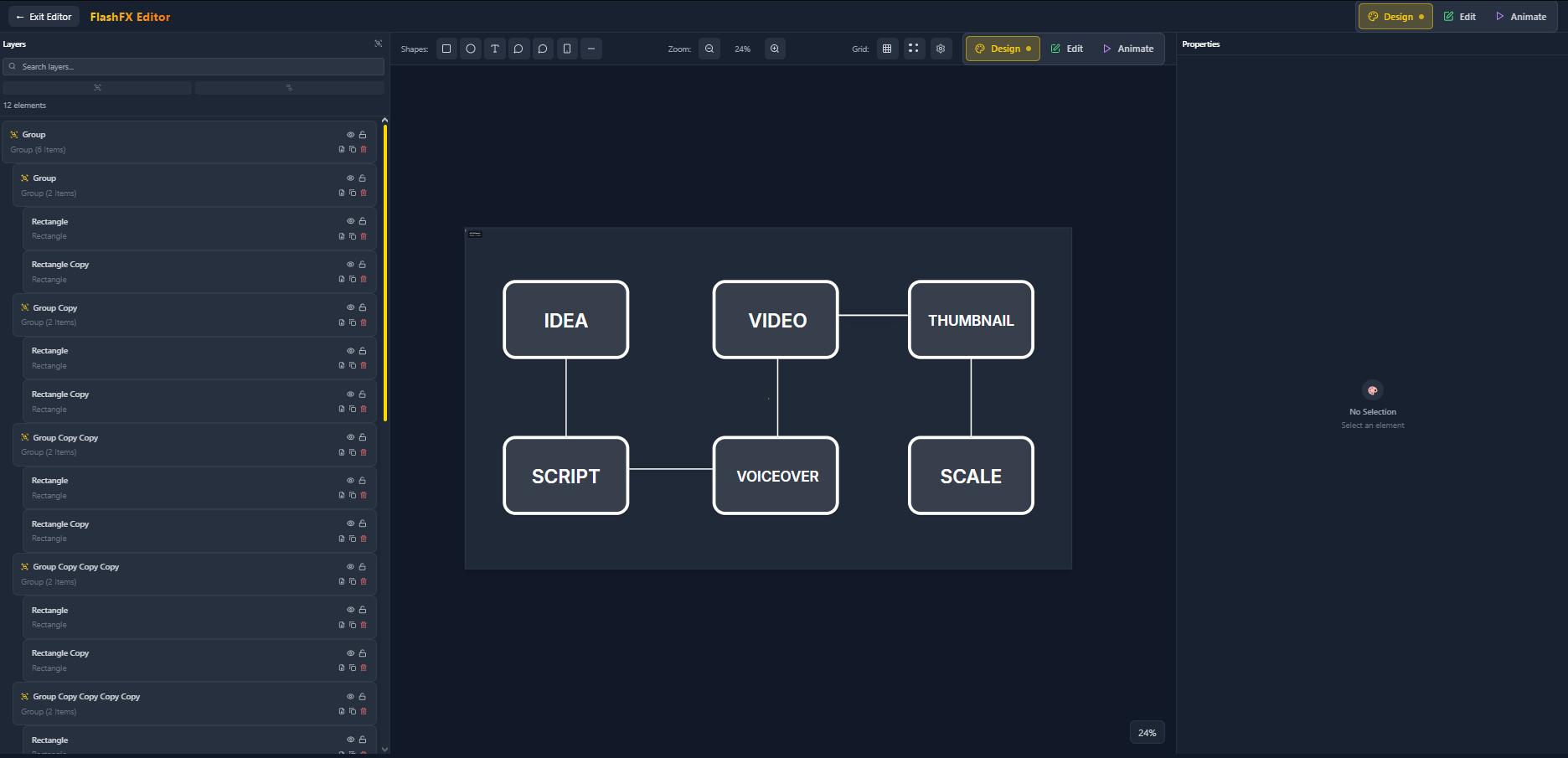
Easy to Use Interface
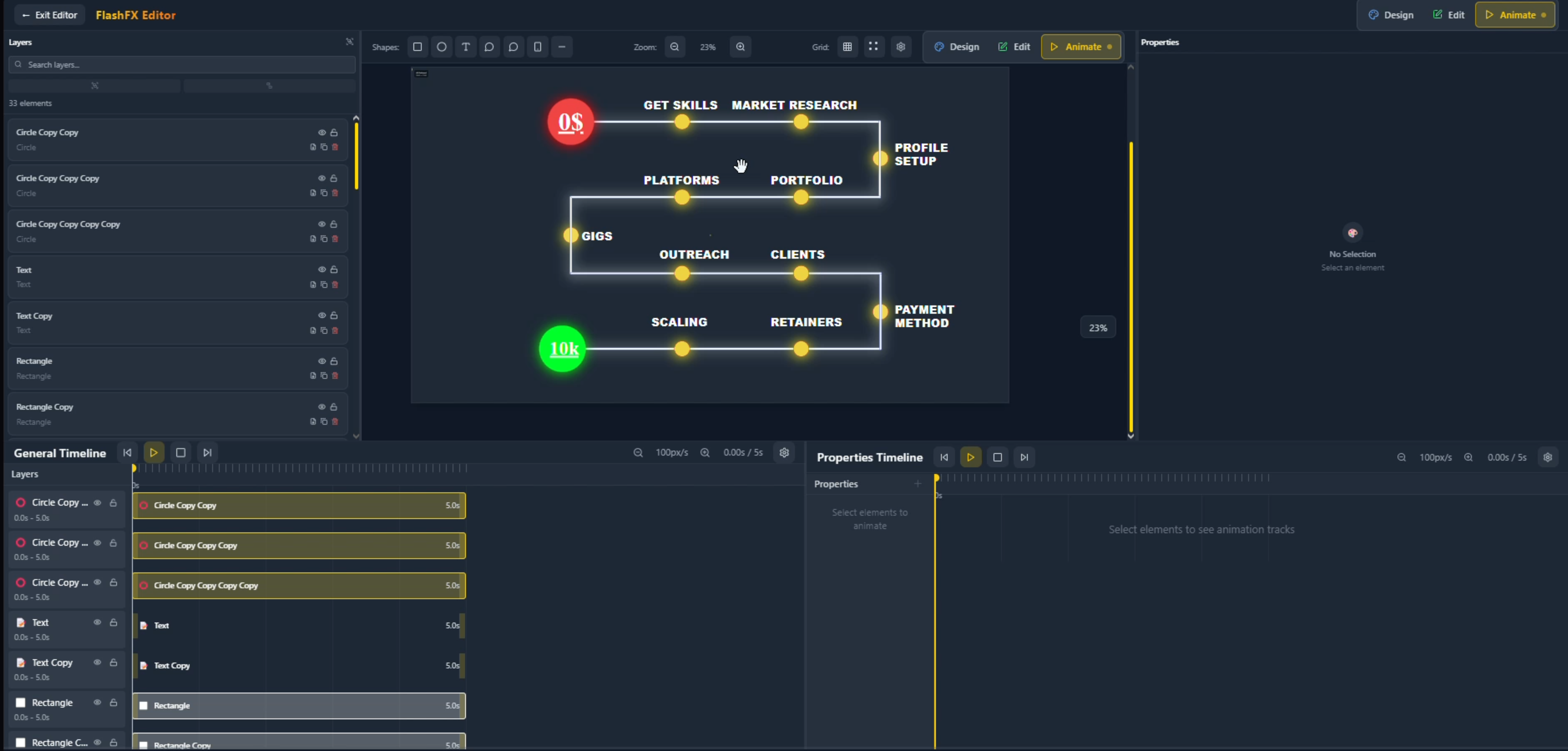
Stunning Visuals
FlashFX 3D Airplane Animation
FlashFX Brand Strategy Design
FlashFX Eye Effect with Color Adjustments
FlashFX Pattern Design
FlashFX Logo Animation
FlashFX Project Timeline
Back on Track Design
Easy to Use Interface
Stunning Visuals
FlashFX 3D Airplane Animation
FlashFX Brand Strategy Design
FlashFX Eye Effect with Color Adjustments
FlashFX Pattern Design
FlashFX Logo Animation
FlashFX Project Timeline
Back on Track Design
Easy to Use Interface
Stunning Visuals
← Drag to explore more →
Built for Speed.
Designed for Creators.
FlashFX strips away the complexity of traditional motion graphics software. Focus on your creativity, not fighting with tools.
- Browser-based — works on any device
- Intuitive interface — create in minutes
- Real-time preview — see changes instantly
- Export ready — download in seconds
Features
Not convinced yet? Take a look at what FlashFX is actually capable of
Bring Your Designs Into 3D Space
Create stunning 3D motion graphics that captivate your audience. Import 3D models, animate in real-time, and export with lighting and effects that make your content stand out.
3D Models
Import and animate any 3D object
Real-time
See changes instantly as you create
3D scene unavailable
Video coming soon
Keyframe Interpolation
Click any curve to preview its shape
Ease In Quart
Video coming soon
Trusted by Creators
FlashFX cut my workflow time in half. Finally, a tool that just works.
Sarah Chen
No more render queues. I create and export in real-time now.
Marcus Johnson
Perfect for YouTube creators who need quick, professional results.
Elena Rodriguez
EarnwithFlashFX
Join thousands making professional content
Video Coming Soon
Load Time
Lightning fast performance that keeps you in the creative flow
Everything FlashFX can do
Editor Features
The full suite of tools built into the FlashFX editor
Vector Design Tools
Draw rectangles, circles, stars, lines, and arrows with precision. Free-form pen tool with bezier curves, smoothing, and path closing.
Advanced Text System
Per-segment styling with different fonts, sizes, weights, and colors. Text curves, gradient fills, stroke, shadow, glow, and 70+ typography controls.
Material System
7 unique materials: Matte, Glossy, Metallic, Glass, Neon, Holographic, and Plastic — each with animatable properties and multi-layer gradient fills.
70+ Image Filters
Professional filters across 14 categories: blur, sharpen, color grading, distortion, noise, stylize, lens effects, and more.
Keyframe Animation
50+ animatable properties with per-keyframe bezier handles. Animate transforms, colors, effects, filters, materials, and more.
Multi-Track Timeline
Dual timeline layout with clip management, named markers, frame-rate presets, loop mode, and pixel-per-second zoom control.
16 Easing Functions
From linear to elastic and bounce, with custom bezier curve control per keyframe. Full hold keyframe support for step interpolation.
Text Animation Modes
Animate text by character, word, line, or object level with stagger, masking reveals, and procedural text animator layers.
Shadow & Glow Effects
6 shadow types (Drop, Long, Soft, Hard, Inner, Ambient) and 5 glow types (Outer, Inner, Directional, Pulse, Rim Light) — all animatable.
Gradient Fill System
Linear, radial, and conic gradients with multi-stop colors, per-stop opacity, animated angle control, and centered position adjustment.
Pattern Fill
Dots, lines, grid, diagonal, chevron, and custom SVG patterns. Animatable color, background, size, spacing, and angle properties.
Masking & Clipping
Stack multiple masks per element with feather, expand, invert, linked mode, and fully animatable mask properties.
Video Support
Import video files with GPU-accelerated playback. Trim, offset, transform, apply filters, and sync with the animation timeline.
Multi-Track Audio
Unlimited audio tracks with waveform visualization, fade in/out, per-clip volume, solo/mute, and perfect animation synchronization.
MP4 & WebM Export
H.264 and VP8/VP9 encoding via FFmpeg with quality presets, custom resolution, frame rate control, and real-time progress tracking.
PNG Sequence Export
Export every frame as a numbered PNG with transparent background support — perfect for compositing in external tools.
AI Image Generation
Generate images with DALL-E directly on your canvas using natural language prompts and import them instantly.
AI Chat Assistant
Natural language design commands with context-aware AI suggestions, chat history, and AI-powered design guidance.
Google Image Search
Find and import stock images directly into your project without leaving the editor. Preview before import.
Cloud Storage
Save and access projects from any device via Supabase. 50MB free storage, automatic backup, and secure user isolation.
Chroma Key
Green screen removal with color picker selection, similarity control, edge smoothness, and spill reduction.
16 Blend Modes
Multiply, Screen, Overlay, Difference, Luminosity, and 11 more — applied per layer for advanced compositing control.
Smart Guides & Snapping
Snap to grid, other elements, timeline markers, and keyframes with visual alignment guides and configurable grid size.
HBox & VBox Layouts
Auto-distributing horizontal and vertical layout containers with padding, margin, and nested layout support.
Groups & Layers
Nested grouping, z-ordering, enter/exit group editing, group-level transforms, and lock/hide per layer.
Icon Library
Large built-in SVG icon library with full-text search, chunk loading for performance, and drag-and-drop to canvas.
SVG Import
Import SVG files with fill/stroke color override, ViewBox preservation, aspect ratio control, and inline editing.
3 Layout Modes
Switch between Design, Animate, and Advanced modes. Each mode surfaces the tools you need without clutter.
Keyboard Shortcuts
Fully customizable shortcut system with conflict detection, visual keyboard layout guide, and extensible binding registry.
Unlimited Undo/Redo
Operation-based history with labeled entries, debounced commits, and efficient state snapshots for smooth editing.
Sequence Compositor
Create multiple sequences per project with independent duration, FPS, and instant switching between sequences.
Project Files (.flashfx)
Compressed JSON format with embedded assets, metadata, version history, and full cross-platform portability.
Media Pool
Centralized asset management with preview, metadata, search, rename, delete, type filtering, and storage quota tracking.
Tutorial System
Interactive onboarding with step-based guidance, spotlight highlights on UI elements, and a welcome modal for new users.
Context Menus
Right-click menus on canvas, layers, timeline clips, and media pool for fast contextual actions without leaving your workflow.
Settings & Preferences
Comprehensive settings for canvas appearance, shape defaults, animation defaults, keyframe display, and the code editor.
Auto-Backup
Automatic preview generation and periodic cloud backup for authenticated users. Guest mode auto-saves to localStorage.
Color Grading
Levels, RGB channel control, color balance (shadows/midtones/highlights), HSL adjustments, and curves for cinematic looks.
Pen Tool
Free-form bezier path drawing with smoothing, corner radius per point, dash arrays, trim start/end, and open/closed path toggle.
UI Components
Built-in Button, Chat Bubble, Input, Toggle, Modal, and Progress Bar shapes — perfect for interface mockups and product demos.
Arrow & Line Tools
Configurable arrowheads (Triangle, Circle, Bar, Diamond), dash arrays, line cap/join styles, and auto-scale arrow size.
Interpolation Graph
Visual bezier curve editor for per-keyframe easing. Drag handles to sculpt custom motion curves with precision.
Frame Rate Presets
24 fps (Film), 25 fps (PAL), 30 fps (HD), 60 fps (High), and 120 fps (Ultra) — switch anytime without losing your work.
Asset Management
Organize and reuse images, audio, and video across projects. Browse, preview, and import from a single centralized panel.
AI Motion Pipeline
4-stage AI generation (Validate → High-Level → Low-Level → Placement) with progress tracking and partial success handling.
Editable Properties
Every visual property you can control and animate on any element
Transform
X/Y position, width, height, rotation in degrees, and opacity (0–1). The foundational spatial properties of every element.
Solid Fill Color
Direct hex color fill for the element background. The base layer beneath gradients, patterns, and materials.
Material Fill System
Multi-layer gradient fill system with linear and radial layer types, color stops, blend modes, per-layer opacity, and animated transitions.
Stroke & Border
Stroke color, pixel width, and full multi-layer material support for stroke — enabling gradient and textured outlines.
Corner Radius
Pixel-level corner rounding applied uniformly to rectangle shapes. Animatable for smooth morphing transitions.
Linear Gradient
Directional gradient fill with 6 direction presets (top-to-bottom, diagonal, etc.), multi-stop colors, per-stop opacity, and animated angle.
Radial & Conic Gradients
Radial gradients with 5 center presets and conic sweep gradients — both with full color stop control and animated positioning.
Pattern Fill
Repeating fill patterns: dots, lines, grid, diagonal, chevron, or custom SVG. Animatable color, background, size, spacing, angle, and opacity.
Blend Modes
16 element-level blend modes: Multiply, Screen, Overlay, Difference, Luminosity, Hue, Saturation, Color, and more for advanced compositing.
Groups & Nesting
Group elements with shared parent transforms, nested z-ordering, and HBox/VBox auto-layout containers with padding and margin.
Clipping Masks
Stack unlimited clip masks per element in rectangle, circle, star, or line shapes. Each mask supports feather, expand, invert, linked mode, and full animation.
Shadow Masks
Separate mask shapes applied exclusively to shadow output. Control which portion of a shadow is visible with the same mask toolset.
Drop Shadow
Classic shadow with X/Y offset, blur radius, color, and opacity. The standard shadow type for depth and elevation.
Inner Shadow
Shadow applied inside the element border with per-edge control (top/right/bottom/left), blur, X/Y offset, and color.
Long Shadow
Extended shadow cast at a configurable angle with adjustable length and opacity decay for flat-design depth effects.
Soft Shadow
Blurred ambient shadow with spread radius and softness control for natural, diffused light environments.
Hard Shadow
Sharp, edge-defined shadow with X/Y offset and color. No blur, for precise graphic and illustration shadow styles.
Ambient Shadow
Omnidirectional ambient shadow with opacity and spread control, simulating soft global light wrap around elements.
Outer Glow
Exterior glow surrounding the element with configurable radius, intensity, color, and falloff for neon and lit effects.
Inner Glow
Glow applied inside the element boundary with thickness and intensity control for internal lighting effects.
Directional Glow
Angled light beam glow with direction angle, strength, and spread — perfect for spotlight or sun-ray effects.
Pulse Glow
Animated glow that oscillates between min and max radius at a configurable speed, creating a living energy effect.
Rim Light
Edge lighting effect with color, thickness, brightness, and angle — ideal for 3D-style highlights and backlit silhouettes.
Material Presets
7 surface presets — Matte, Glossy, Metallic, Glass, Neon, Holographic, Plastic — each with unique visual properties and animatable parameters.
Brightness & Contrast
Core tonal controls: brightness (−100 to 100), contrast (−100 to 100), exposure, and gamma correction for overall image balance.
Temperature & Vibrance
Color temperature for warm/cool shifts, green/magenta tint balance, vibrance (smart saturation), and full saturation control.
HSL & Monochrome
Hue rotation (−180° to 180°), lightness, and monochrome filters: grayscale, invert, and sepia tone adjustment.
Color Balance
Independent RGB adjustments for shadows, midtones, and highlights — the standard three-range color grading workflow.
Levels & RGB Channels
Black point, midpoint, and white point level control. Per-channel red, green, blue intensity from 0 to 200.
Gaussian & Box Blur
Standard gaussian blur (0–50px radius) and box blur for softer, averaged results. Surface blur for edge-preserving smoothing.
Motion & Radial Blur
Directional motion blur with angle and distance, and radial/spinning blur with configurable center X/Y position.
Sharpen & Clarity
Unsharp mask (amount, radius, threshold), basic sharpen, and clarity enhancement for crispness and texture recovery.
Noise
Add film grain with gaussian, uniform, or salt-pepper noise types (0–100). Reduce noise with median filter for smoothing.
Ripple & Wave Distortion
Ripple wave with amplitude and wavelength control. Horizontal and vertical wave distortion for fluid, organic movement.
Twirl, Spherize & Pinch
Rotational twirl (−360° to 360°), spherical lens distortion, pinch inward, and bulge outward for shape warping.
Lens Effects
Vignette with roundness and feather, lens flare with X/Y position, chromatic aberration color fringing, and barrel/pincushion lens distortion.
Stylize Effects
Oil paint (brush size, detail), cartoon (edges, color levels), pencil sketch, watercolor granularity, and emboss with angle and amount.
Edge & Pixel Effects
Edge detection sensitivity, pixelate (1–50px), mosaic tiling, glowing edges with intensity, and posterize level control.
Special Effects
Solarize threshold, threshold cutoff, halftone dot size, crystallize tile size, and Chroma Key with color picker, similarity, edge smoothness, and spill reduction.
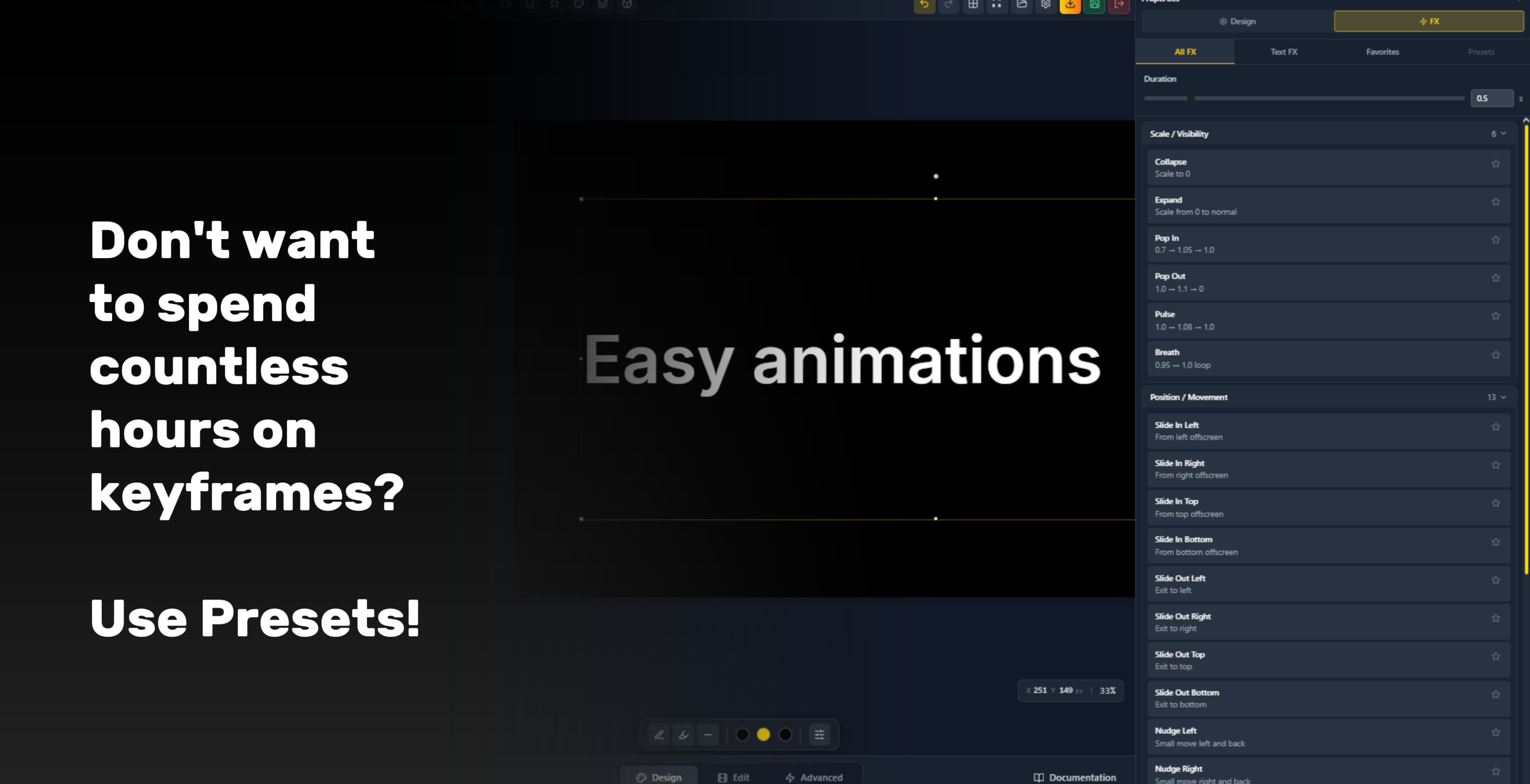
Animation Presets
Ready-to-use preset animations for elements and text
Collapse
Scale element down to 0
Expand
Scale element from 0 to normal size
Pop In
Scale 0.7 → 1.05 → 1.0 with spring overshoot
Pop Out
Scale 1.0 → 1.1 → 0 with overshoot exit
Pulse
Scale 1.0 → 1.08 → 1.0 attention loop
Breath
Gentle continuous scale loop 0.95 ↔ 1.0
Slide In Left
Element enters from offscreen left
Slide In Right
Element enters from offscreen right
Slide In Top
Element enters from offscreen top
Slide In Bottom
Element enters from offscreen bottom
Slide Out Left
Element exits to the left offscreen
Slide Out Right
Element exits to the right offscreen
Slide Out Top
Element exits to the top offscreen
Slide Out Bottom
Element exits to the bottom offscreen
Nudge Left
Small leftward position shift and return
Nudge Right
Small rightward position shift and return
Nudge Up
Small upward position shift and return
Nudge Down
Small downward position shift and return
Snap Back
Element snaps back to original position
Fade In
Opacity animates from 0 to 1
Fade Out
Opacity animates to 0
Flash
Opacity: 1 → 0 → 1 flash burst
Blink
Continuous 1 ↔ 0 opacity loop
Twist In
Rotate from -15° to 0° on entry
Twist Out
Rotate to +15° on exit
Spin In
Full -180° to 0° rotation entry
Spin Out
Full 0° to +180° rotation exit
Wobble
Rock -6° → +6° → -4° → 0° oscillation
Bounce In
Scale overshoots then settles at 1.0
Bounce Out
Forward bounce then exits offscreen
Overshoot Scale
Scale 0.9 → 1.1 → 1.0 with settle
Snap
Quick easing change with sharp snap feel
Point Left
Move left then return to origin
Point Right
Move right then return to origin
Point Up
Move up then return to origin
Point Down
Move down then return to origin
Shake X
Rapid horizontal shake back and forth
Shake Y
Rapid vertical shake up and down
Grow Width
Animate width from 0 to full size
Grow Height
Animate height from 0 to full size
Center Expand
Element expands outward from its center
Edge Expand
Element expands outward from its edge
Zoom Focus
Scale up with position shift toward subject
Zoom Out
Scale down with fade for pullback effect
Fast In
Quick ease-in entry with sharp acceleration
Fast Out
Quick ease-out exit with sharp deceleration
Smooth In Out
Smooth easing on both entry and exit
Aggressive Snap
Very short duration with maximum easing curve
Appear
Fade combined with scale-in entry
Disappear
Fade combined with scale-out exit
Enter
Slide combined with fade-in from side
Exit
Slide combined with fade-out to side
Emphasize
Scale pulse with overshoot for emphasis
Typewriter
Characters appear one by one with opacity animation
Slide Up
Characters slide up with position Y and opacity fade
Line Reveal
Lines revealed with animated mask height
Fade In Words
Words fade in sequentially with stagger
Scale In
Characters scale in from center with opacity
Blur In
Words blur in with combined opacity fade
Script Write
Handwriting-style character reveal effect
Word Pop
Words pop in with scale bounce per word
Mask Wipe
Directional mask wipe reveal across text
Fade In Order
Sequential opacity fade per text segment
Underline Write
Text appears alongside an animated underline
Rise From Baseline
Characters rise up from the text baseline
Drop In
Characters drop in from above the text line
Scale Up
Characters scale up to full size on entry
Elastic In
Characters enter with elastic spring bounce
Flip In
Characters flip in on the horizontal axis
Split Reveal
Text splits from center and reveals outward
Slide Out
Text segments slide out to a direction
Fade Out Order
Sequential opacity fade-out per segment
Collapse Text
Text collapses and scales down to a point
Explode
Text fragments scatter outward on exit
Sink
Characters sink downward out of frame
Pulse Text
Text pulses with scale loop for emphasis
Wiggle
Text segments wiggle with rotation loop
Bounce Text
Characters bounce vertically in sequence
Shake Text
Characters shake rapidly for impact
Glow Pulse
Text glows with a pulsing light effect
Morph In
Text morphs into position from an abstract form
Stretch In
Text stretches horizontally into final shape
Skew Snap
Text snaps into position with skew transform
Perspective Push
Text pushes in with 3D perspective depth
Kinetic Flow
Complex multi-property kinetic motion sequence
Wave Write
Characters wave in along a sine path
Fragment Assemble
Text fragments fly in and assemble together
Neon Draw
Text draws itself with a neon glow effect
Glitch In
Text glitches into view with distortion artifacts
Magnetic Align
Text characters magnetically snap into alignment
And so much more
- —Like the 300+ 3D features
- —110 image effect filters
- —Team collaboration features
- —Not to mention all marketplace templates
- —And all AI features
Pricing
Simple, honest pricing.
Client side features are free, server side features are paid because they have to be paid on our side.
Free
Everything you need to start creating motion graphics.
Free
Includes
- Unlimited Projects
- 500 MB Cloud storage
- Export formats (MP4 / GIF / WebM / SVG)
- Full editor — shapes, text, images, timeline
- Keyframe system & easing curves
- Custom fonts
- 2 shapes 3D primitives
- 30 days Version history
- AI features
- Advanced 3D & materials
- Team collaboration
Ultra
Most PopularUnlock AI, full 3D, and priority support for serious creators.
$23/mo
Billed $278/yr · saves $70/yr
Includes
- Everything in Free
- 20 GB Cloud storage
- Priority support
- Full 3D — all primitives, materials, lighting
- 3D model import (GLB / OBJ / FBX / STL)
- 500 / month AI credits
- AI motion graphics, assistant & image tools
- AI background remover & sound generator
- Brand kit & admin dashboard
- 90 days Version history
Teams
Built for agencies and creative teams that move fast.
$31/mo
Billed $374/yr · saves $94/yr
per seat
Includes
- Everything in Ultra
- 2000 / month AI credits
- Team workspace & real-time collaboration
- Shared asset library
- Role management (Admin / Editor / Viewer)
- Comments & annotations
- Team templates & guest access
- 90 days Version history
Frequently Asked Questions
All Links
Click any node to explore — stay connected across platforms